
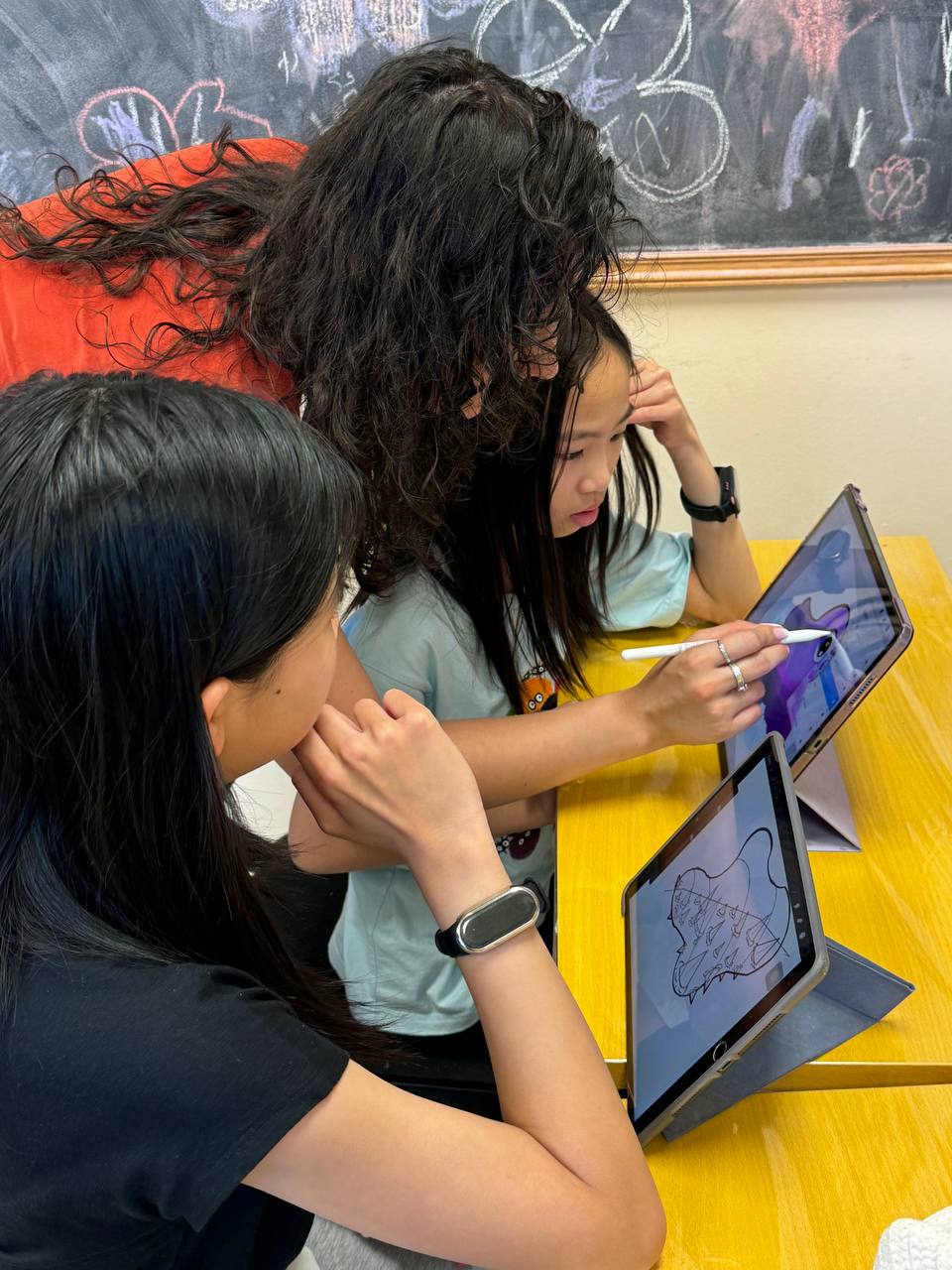
What is Procreate?
Procreate is a drawing and painting app for iPad, used by professional illustrators and by beginners. It is a one-time purchase on the App Store rather than a subscription, and it is rated 4+. It works with a finger, but it is built for the Apple Pencil, which responds to pressure and tilt the way a real pencil or brush does.
It is also simple to start with: a canvas, a brush library, layers and an undo gesture. That simplicity makes it a common first app for young digital artists.
What age can kids start Procreate?
There is no strict minimum. What matters is whether a child can hold the Apple Pencil with control, follow a few steps, and stay with one drawing for a while. Many children are comfortable around 7 or 8, and some younger children manage well with simple projects. Teens pick it up quickly, especially if they already draw on paper.
A good sign of readiness is a child who already enjoys drawing on paper and asks for new ways to do it.
What kids learn first
- Brushes and pressure. How pressing harder or softer changes a line.
- Layers. Sketch on one layer, ink on another and colour on a third, so nothing gets ruined.
- Blending modes and textures. Shading, glow and texture effects that are hard to do on paper.
- Line art and colour. Clean outlines, then flat colour, then shading.
- Undo, used wisely. Experimenting freely without losing the habit of planning.
Does digital art replace drawing on paper?
No, and it should not. The skills that make a digital drawing good are the same ones that make a pencil drawing good: observation, proportion, light and shadow, and composition. Procreate makes some things easier, like correcting mistakes and trying colours, but it does not teach a child to see. That is why the strongest young digital artists usually keep drawing on paper too, and why our combo class puts traditional and digital art in the same week.
Should you buy an iPad before lessons?
Not before your child has tried it. An iPad, an Apple Pencil and the app add up, and not every child who loves drawing on paper enjoys a screen. If you do buy one later:
- Check Apple Pencil compatibility. Different iPad models work with different Apple Pencil versions.
- Consider a matte screen protector. It gives the glass a paper-like feel that some children prefer.
- Separate making from scrolling. An hour of drawing is not the same kind of screen time as an hour of videos, so set rules that treat them differently.
Digital art classes in Richmond Hill
Our digital art classes teach Procreate on iPad to children and teens, grouped by age and skill level and starting from the basics. iPads and Apple Pencils are provided in class (an optional $185 + HST iPad rental applies when your child uses one of ours), or students can bring their own iPad. Classes are $25 + HST for one hour or $48 + HST for two hours per session.
Try it before you buy anything
Book a free trial class and your child can try digital art with our teachers at no cost.