
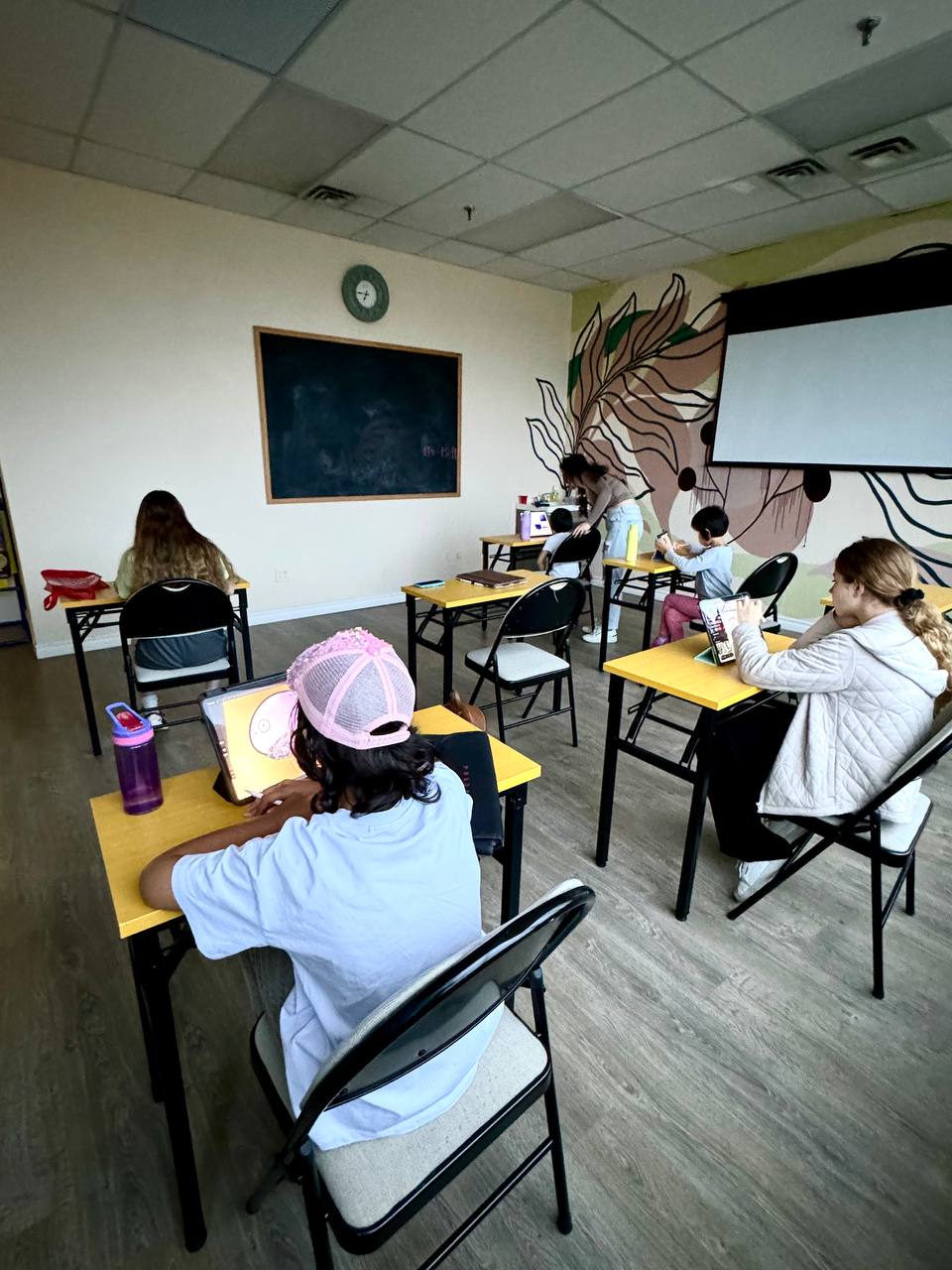
Digital Art Classes
Modern digital art lessons covering illustration, design tools, and creative technology on iPad with Procreate.
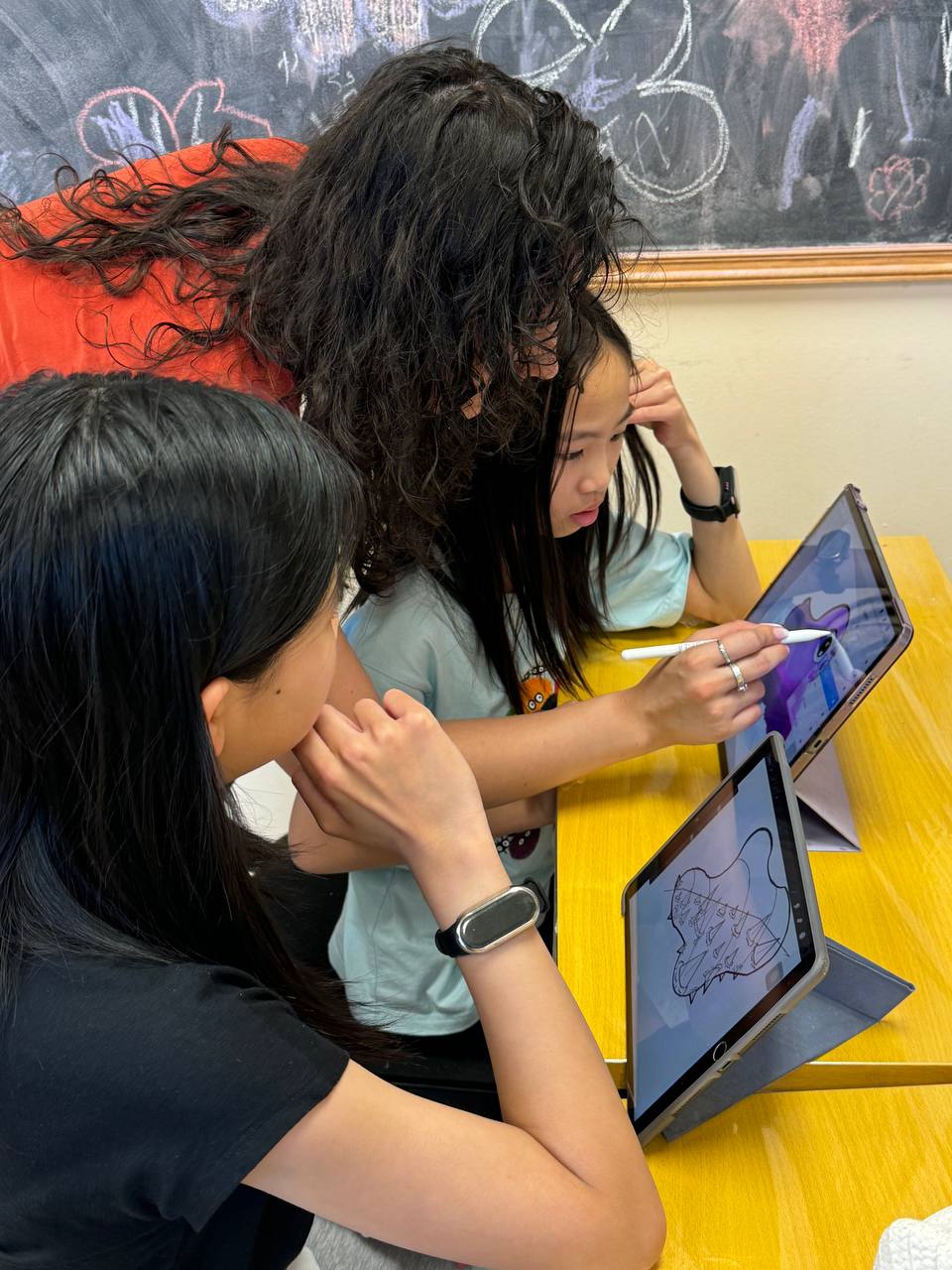
Designed for children and teens passionate about creativity and technology. Students develop digital illustration skills using professional tools like Procreate on iPad.
Digital Art Curriculum
Our year-round Digital Art curriculum helps students develop digital drawing skills, creativity, and confidence while learning professional techniques through fun and engaging projects using Procreate.
Digital Drawing Foundations
- Introduction to Procreate & digital tools
- Brushes, layers & blending modes
- Lines, shapes & proportions
- Sketching & clean linework
- Light, shadow & shading
- Colour theory & colour mixing
- Texture & digital brush techniques
- Composition & perspective
Digital Illustration
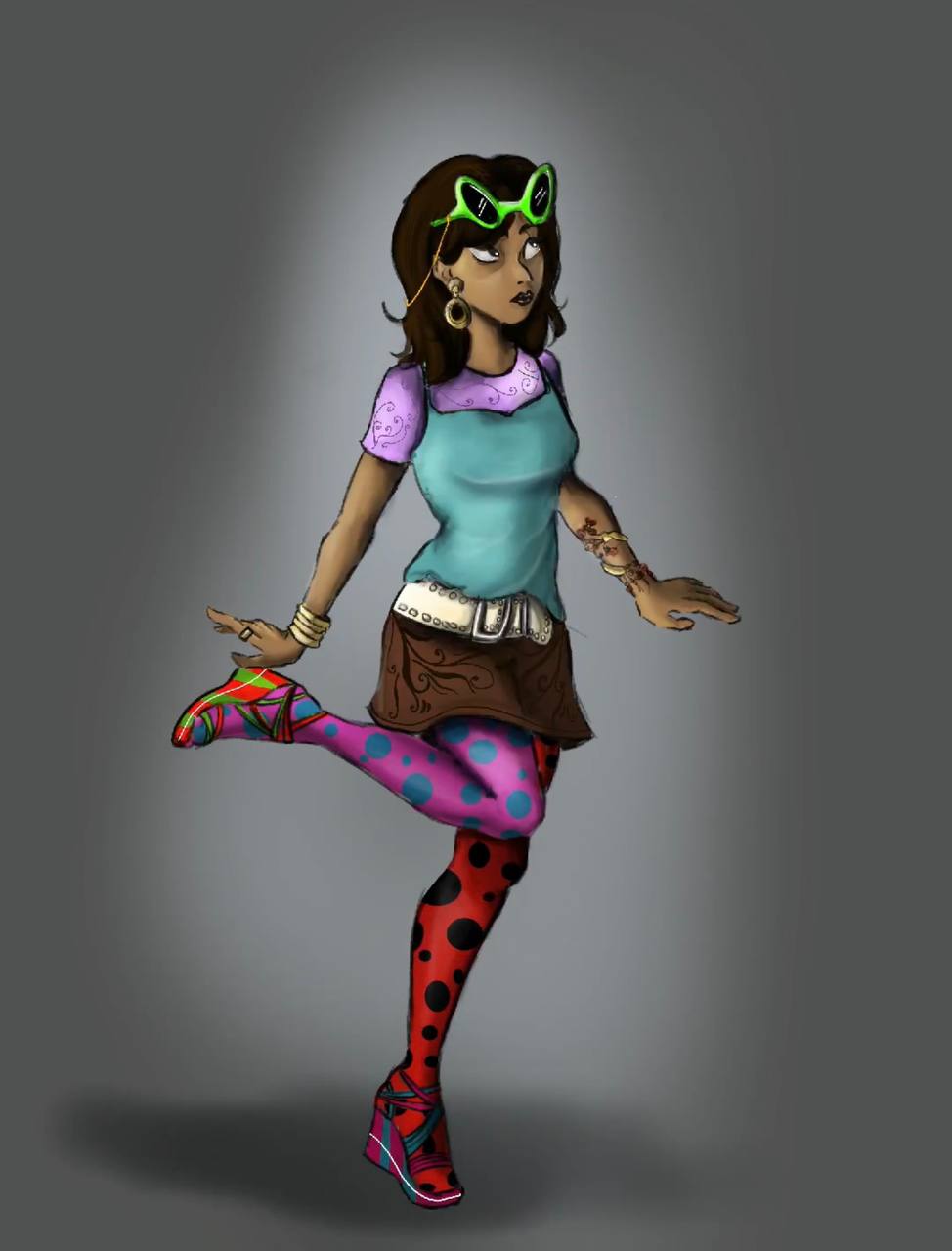
- Character design
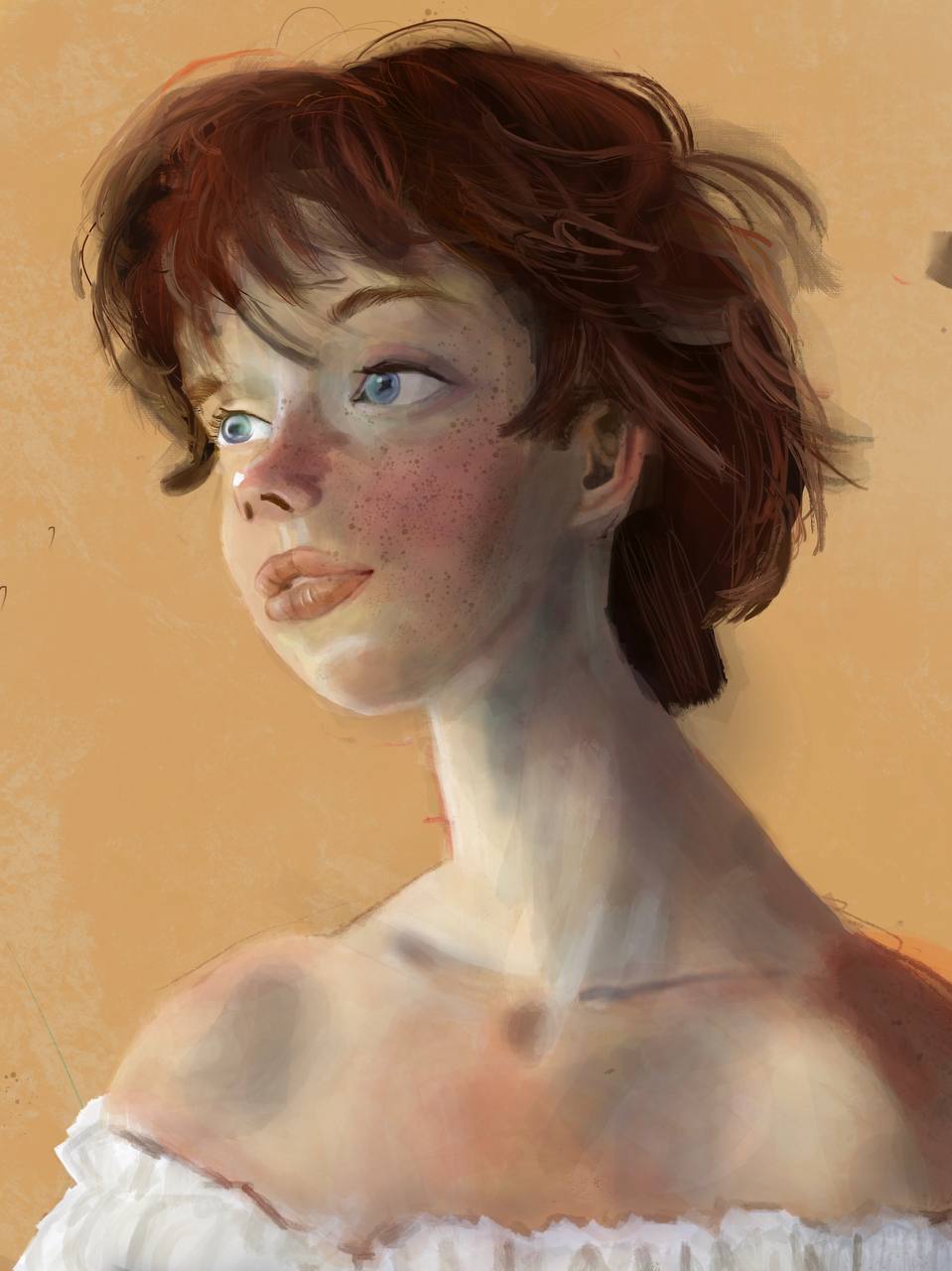
- Portraits & facial features
- Animals & nature
- Landscapes & environments
- Objects & still life
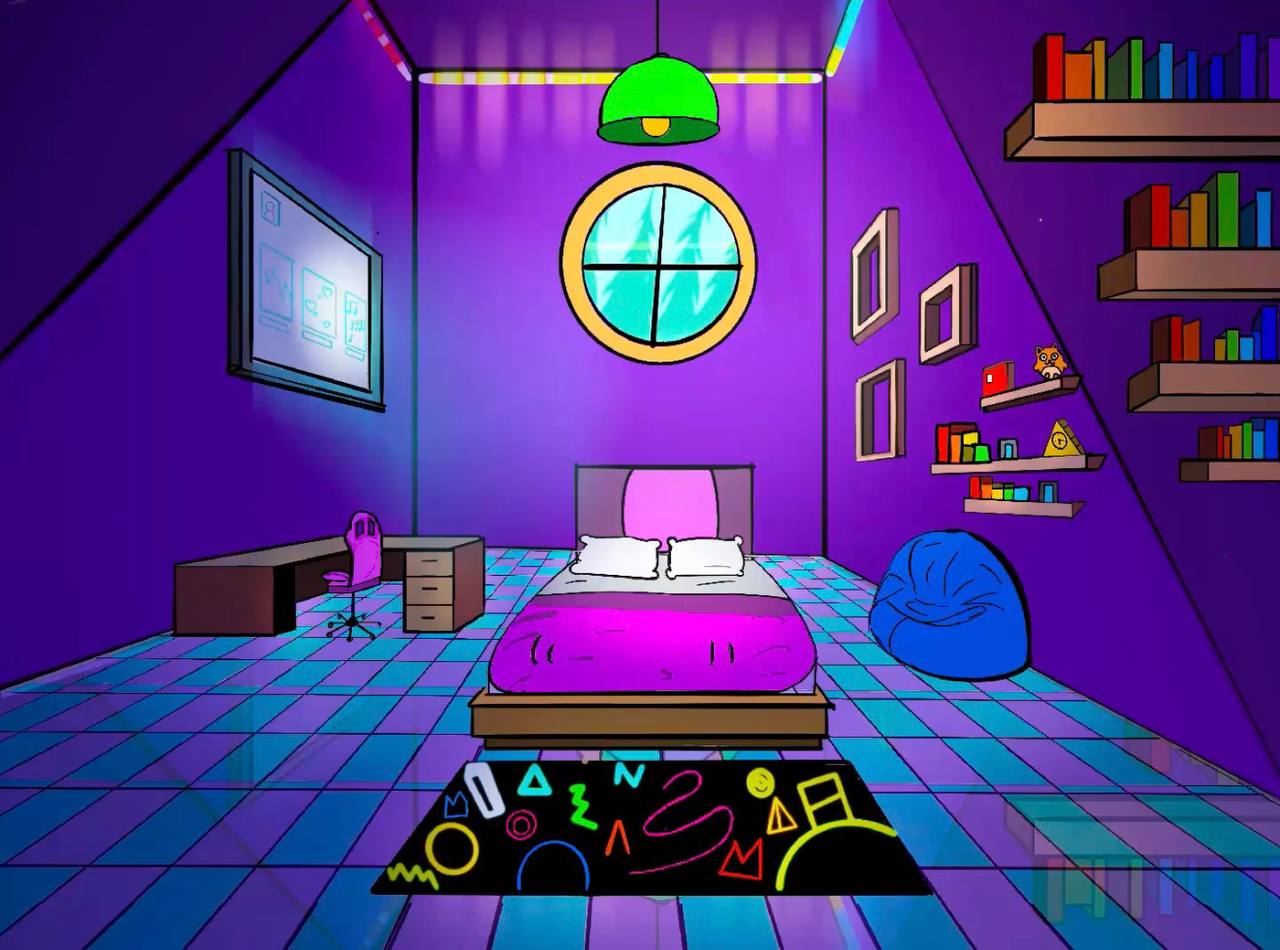
- Backgrounds & creative scenes
- Stylized & imaginative illustrations
- Exploring different digital art styles
Creative Digital Projects
- Digital paintings & illustrations
- Character & creature creation
- Poster & graphic design projects
- Pattern & decorative artwork
- Themed & seasonal projects
- Creative effects & special techniques
- Original personal projects
Artistic Development
- Developing a personal digital art style
- Turning ideas into finished illustrations
- Building confidence with digital tools
- Improving creativity & visual storytelling
- Creating polished, original artwork
- Building a digital art portfolio throughout the year
A full year of digital creativity, new skills, and exciting projects.
Tuition
The 2026–2027 program runs September 1, 2026 through June 30, 2027. Classes are priced per session.
| Program | Class Length | Price / Session |
|---|---|---|
| Digital Art | 1 hour | $25 + HST |
| Digital Art | 2 hours | $48 + HST |
iPad Rental $185 + HST, optional and only when an Oxford Art Academy iPad is used.
Enrolment is by term. Your total is worked out from the day your child starts to the end of that term, so you only pay for the classes they will actually attend. All prices are subject to 13% HST.
How Payment Works
Enrolment is by term, so you are never asked to commit to a whole year up front.
Pick a term
Fall: September 1 – January 31 · Spring: February 1 – June 30
Pay only for the classes you get
Your total is worked out from the day your child starts to the end of that term. Join in October and you pay for October to January, not for classes that have already happened.
Choose how to pay
Spread the term over four monthly payments, split it in two, or pay it up front and save 5%.
Want to try a single class first? $30 + HST, no commitment. Art supplies are $185 + HST once a year, or half if your child starts in the Spring term. Tell us the day that suits you and we will send your exact amount before you commit to anything.
What Is Included
- Professional and creative art education, developing artistic skill and creativity
- Painting on canvas and learning different techniques
- Watercolour, acrylic and oil painting
- Demonstrations and individualized teacher feedback
- Materials required for scheduled classroom projects
- A reserved spot for your child for the whole term
- Make-up classes at no additional charge, subject to space availability
- Monthly themed family workshops for parents and children, free for members
- 15% off all Oxford Art Academy camps
- Annual student art exhibition showcasing our students’ artwork
- Certificate of completion at the end of the year
- Tuition can be divided into two semester payments
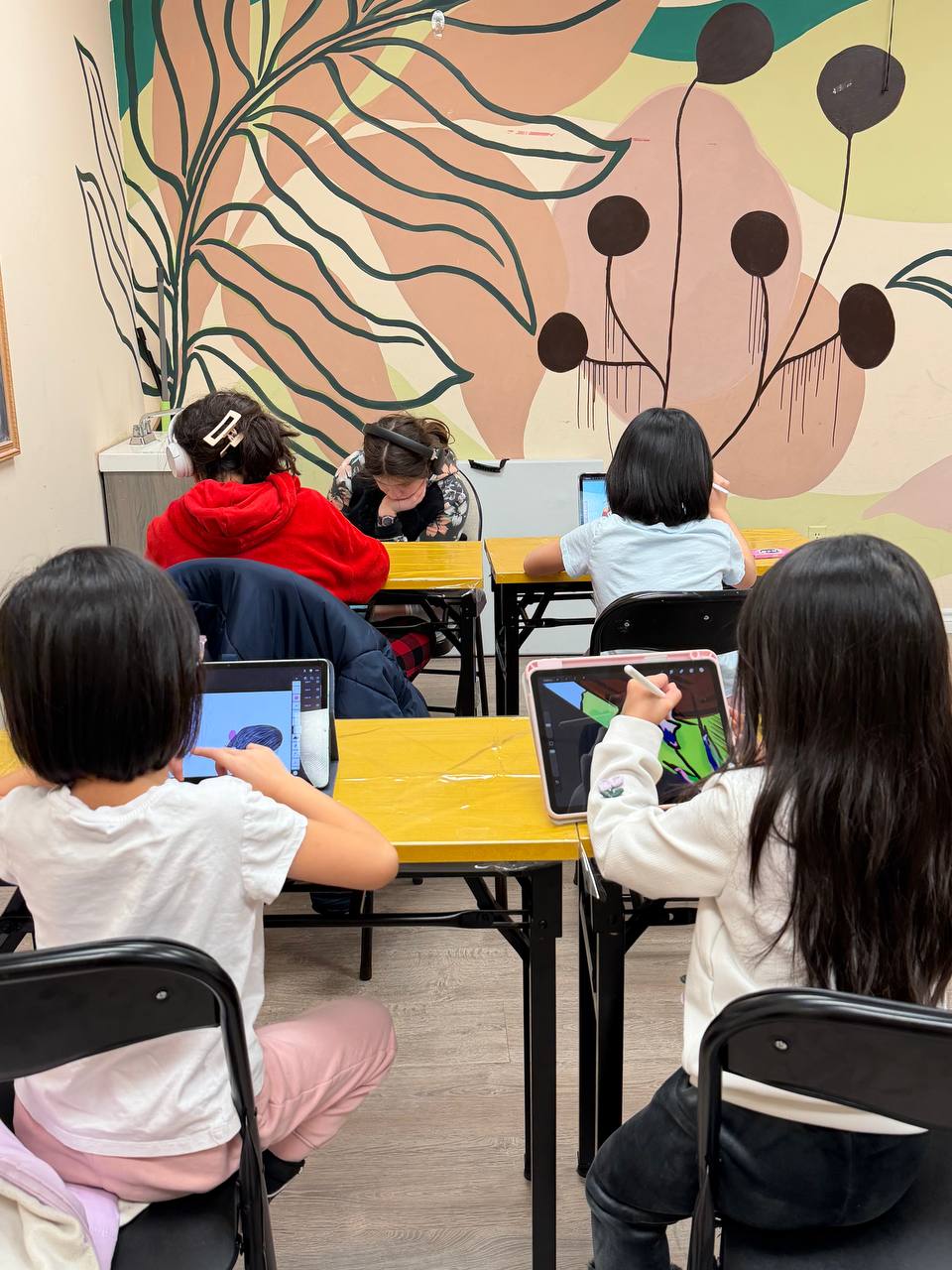
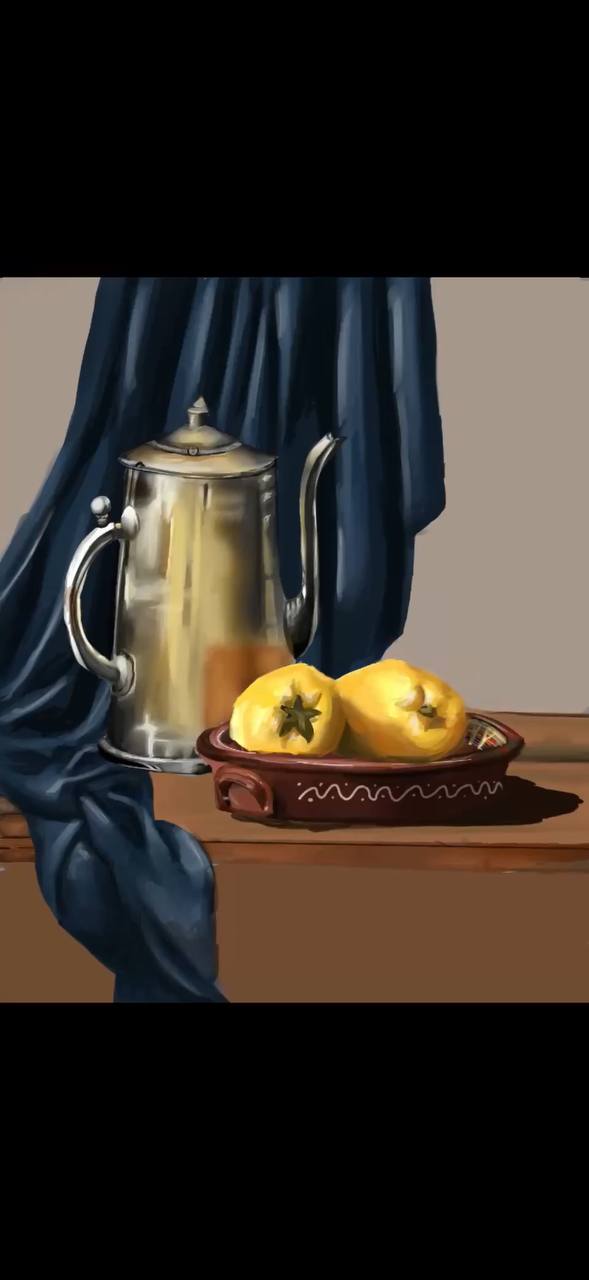
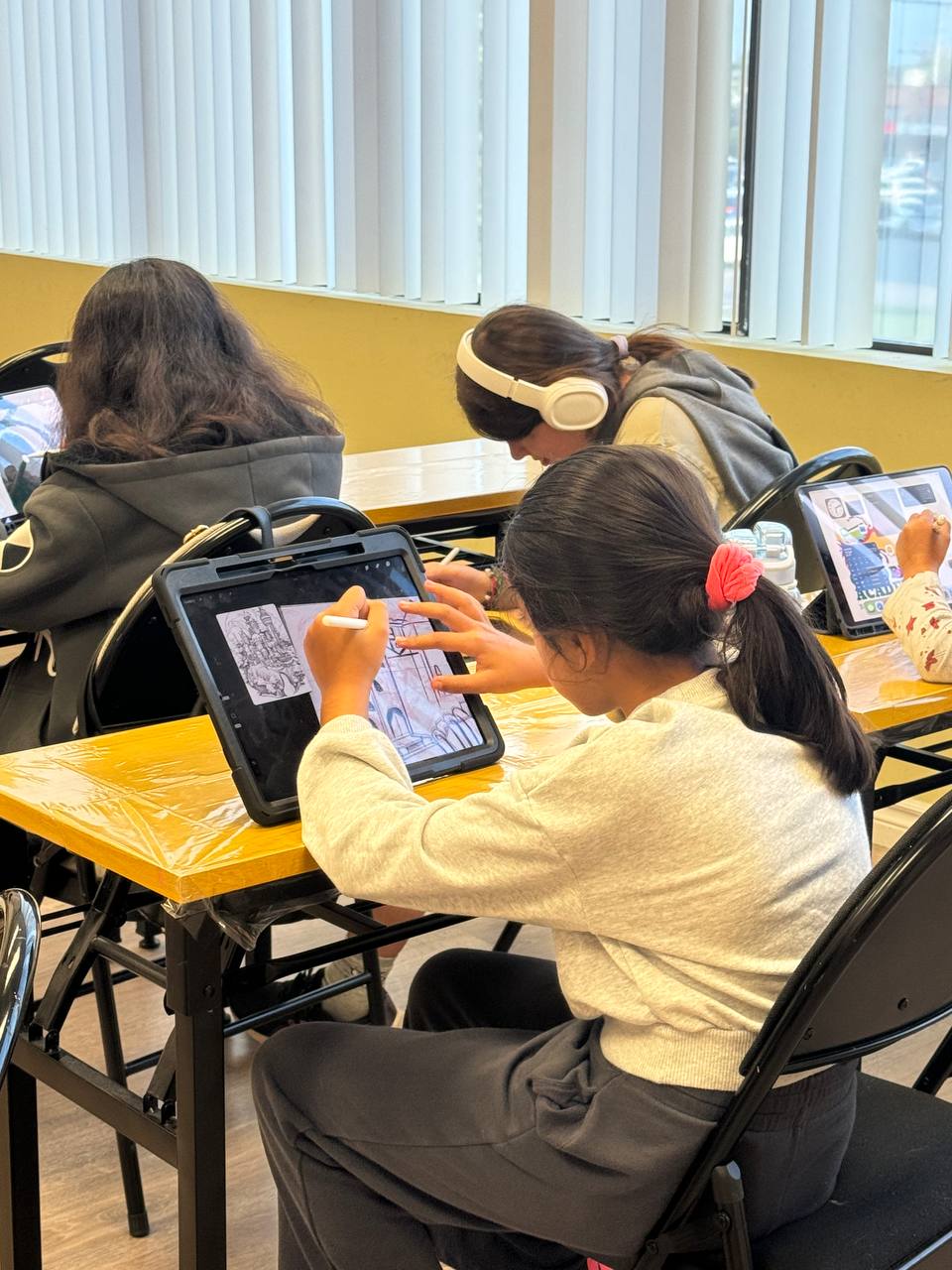
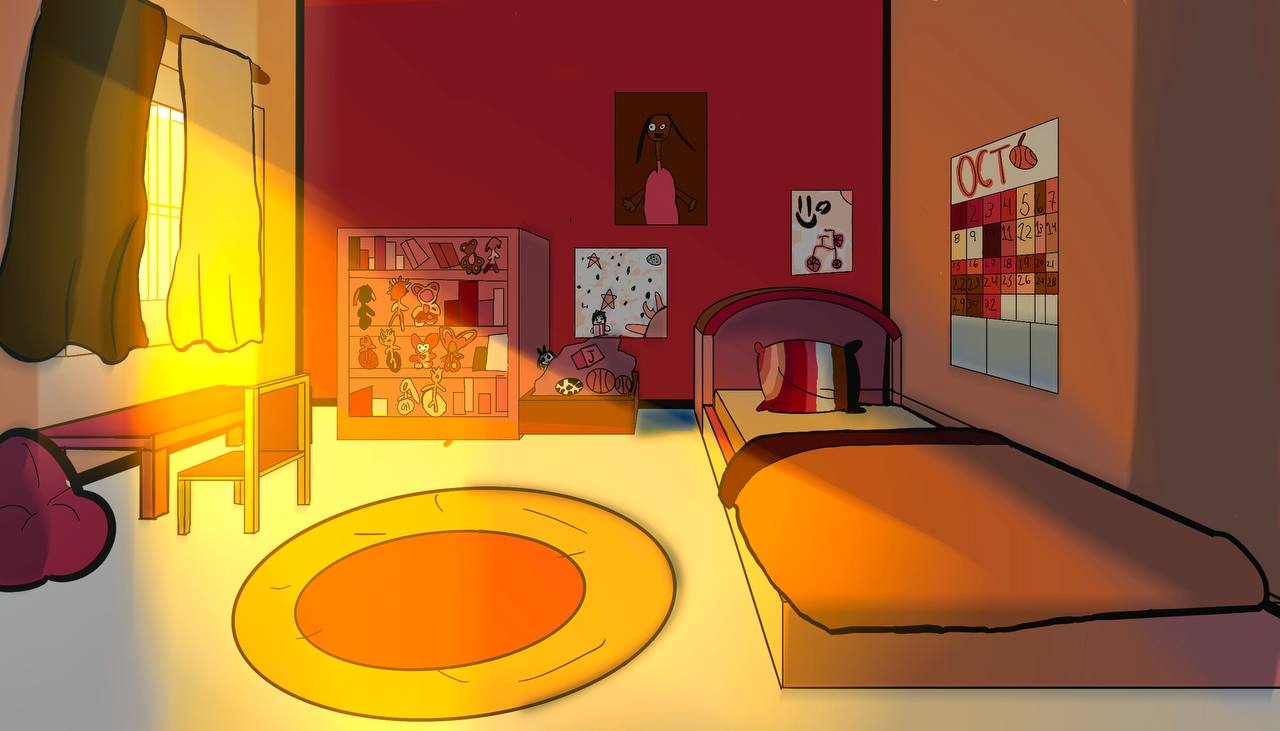
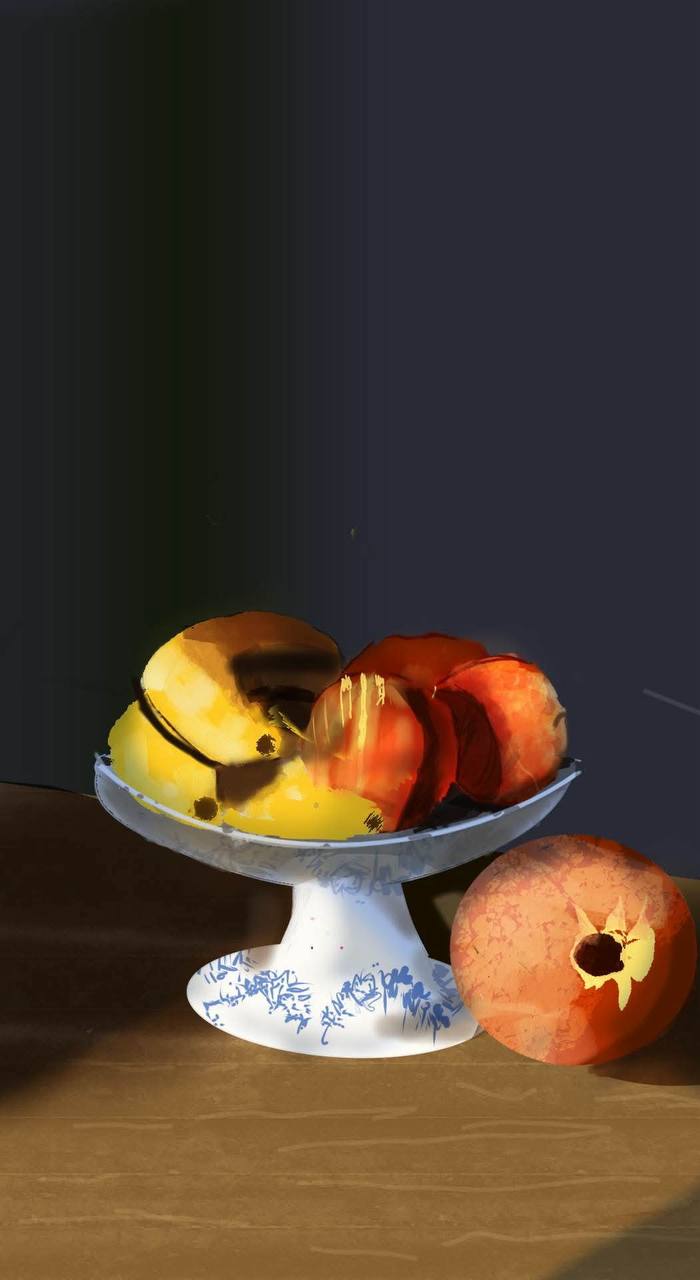
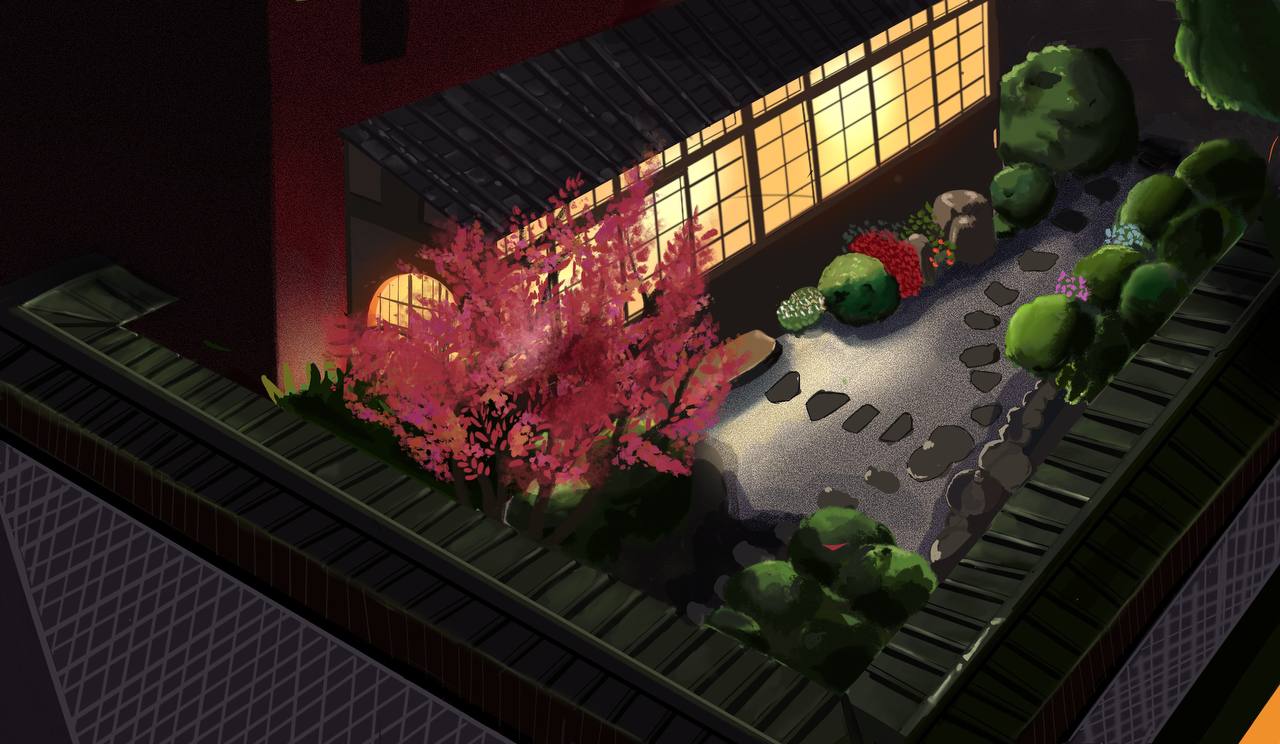
Our Students' Work
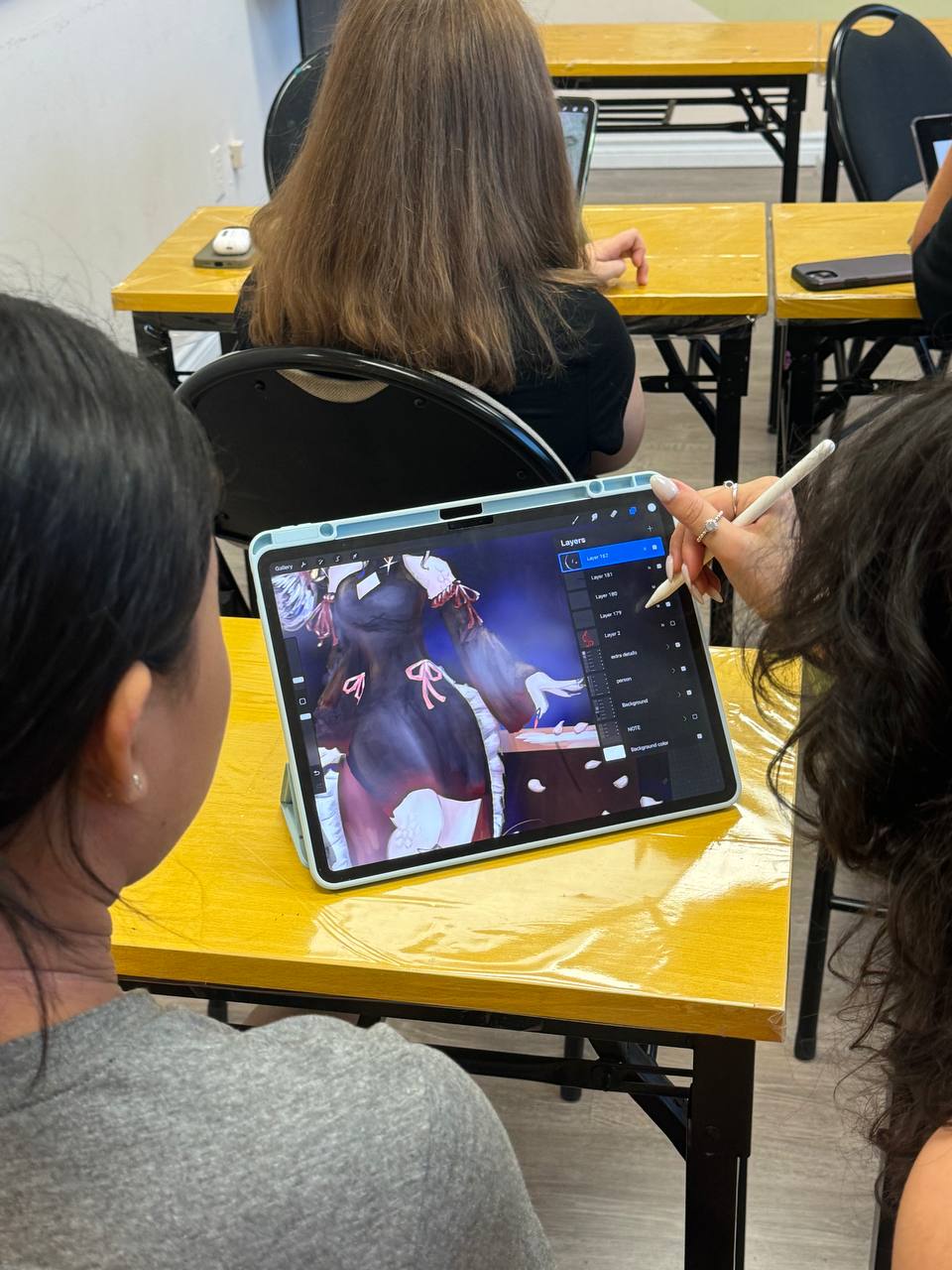
What Students Need
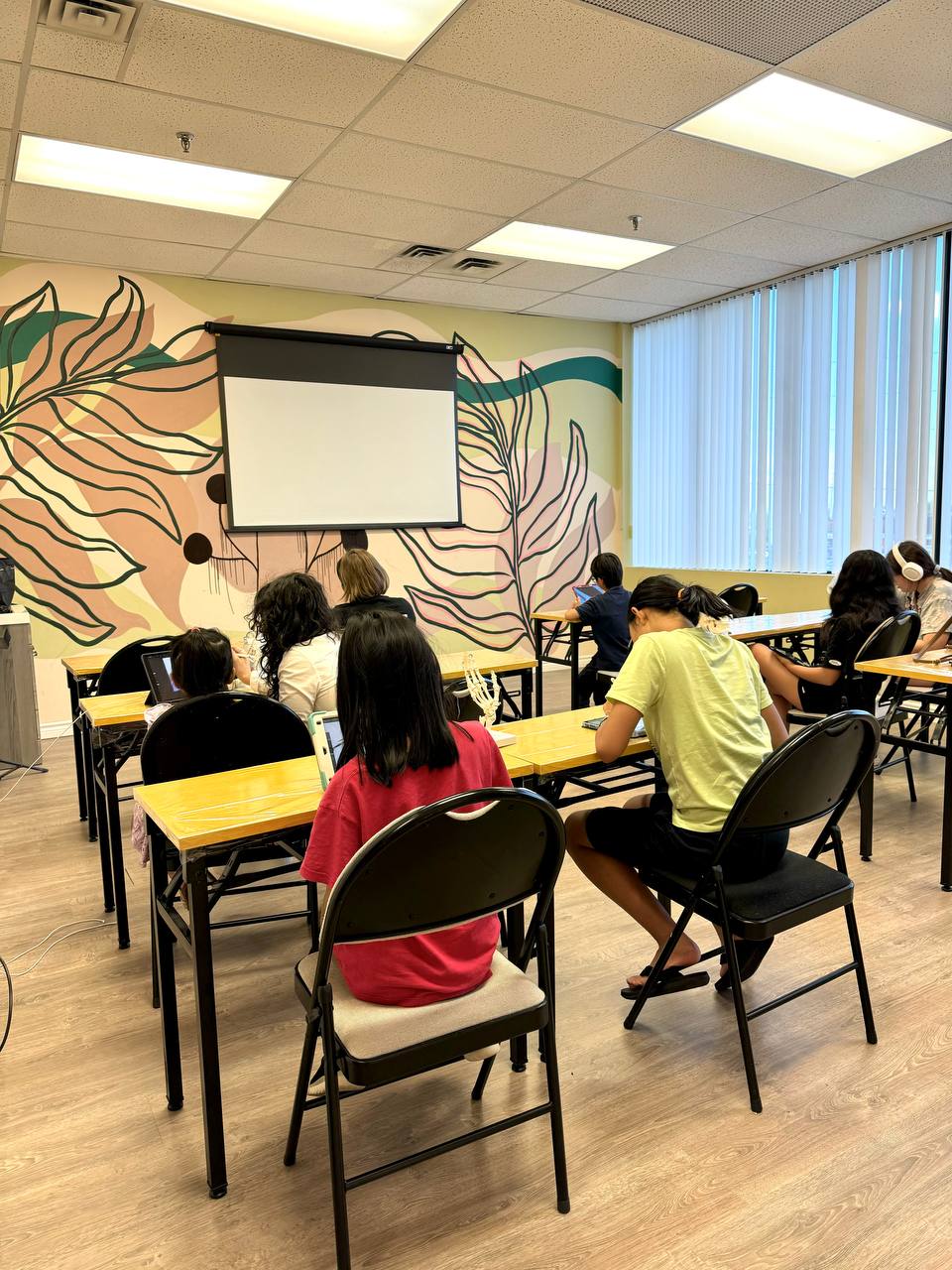
All iPads and Apple Pencils are provided during class. Students can also bring their own iPad if they prefer. No prior digital art experience is required — we start from the basics and build up to advanced techniques.
Schedule & Make-Up Classes
Classes are offered Monday through Sunday. Once a class day and time has been selected and reserved, that spot is held exclusively for your child for the duration of the active membership.
If your child is sick or cannot attend, let us know as soon as possible and we will arrange a make-up class on another available day at no additional charge, subject to space availability.
Make-up classes must be used during the active membership period and cannot be exchanged for cash, refunds, or credits.
The school is closed on scheduled holidays, including the Christmas and Winter Holiday (December 24, 2026 – January 2, 2027) and the Civic Holiday.
Every Oxford Art Academy student receives 15% off our Winter, March Break, and Summer art camps.
Schedule Information
For detailed class schedule information, please contact us directly and we will be happy to send you all available class times and options.
Frequently Asked Questions
Does my child need their own iPad?+
No. iPads and Apple Pencils with Procreate are provided in class. Students may bring their own iPad if they prefer.
Is prior experience required?+
No experience is needed — we start from the basics and build up to advanced techniques.
What ages are digital art classes for?+
Digital art classes are designed for children and teens, grouped by age and skill level.
How much do digital art classes cost?+
Digital art is priced per session: $25 + HST for a one-hour class and $48 + HST for a two-hour class. iPad rental is $185 + HST and is optional, applying only when an Oxford Art Academy iPad is used. Enrolment is by term, and your total is worked out from your start date to the end of that term, so you only pay for the classes your child will attend.
Where are your classes located?+
Our school is at 14 Oxford St, Unit 201C, Richmond Hill, ON, serving York Region including Thornhill, Vaughan, Markham, Aurora, and Newmarket.
Please review our policies before registering.