
Is a digital art class just screen time?
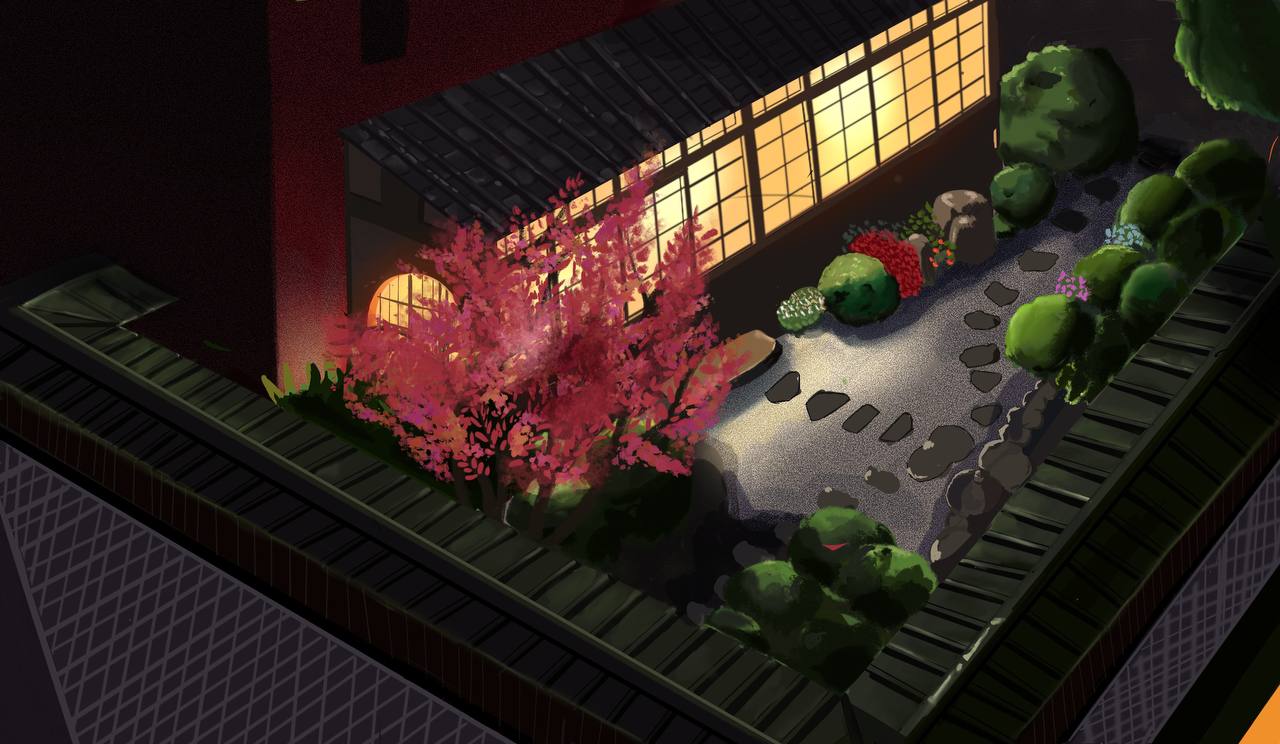
It is a fair worry. The difference is what the child is doing with the screen. In a digital art class they make something from a blank canvas, solve visual problems and finish work, which is much closer to a painting class than to watching videos. The iPad replaces the paper and paint, not the thinking.
What students learn
In our digital art classes, students work through these areas at a pace that suits their age and skill:
| Area | What they learn |
|---|---|
| Getting started | Procreate basics: canvases, brushes, pressure and undo |
| Building blocks | Layers, blending modes, line art and flat colour |
| Light and texture | Shading, highlights, digital brushes and texture effects |
| Illustration | Stylized and imaginative illustrations, backgrounds and digital paintings |
| Characters | Character design, including anime and cartoon styles |
| Design | Poster and graphic design projects |
| Style and portfolio | A personal style and a collection of polished, original work |
The skills behind the software
Apps change. The skills do not. A student who learns to see light and shadow, plan a composition, choose a colour palette and tell a story in one image can use any tool, digital or traditional. That is why the projects in a good digital art class are built around art fundamentals, with the software taught along the way.
- Observation: drawing from real objects and references, not only from imagination.
- Colour: palettes, contrast and mood.
- Composition: placing things so the eye goes where you want it.
- Visual storytelling: a character, a setting and a moment, in one picture.
- Finishing: taking an idea all the way to a polished piece.
Where digital art skills can lead
For most children, digital art is a creative outlet and a way to build confidence. For some teens it becomes a direction. Illustration, animation, game art, graphic design and concept art all start with the same skills. Our portfolio guide covers what York Region arts programs, OCAD University, Sheridan College and York University ask for.
Who digital art classes suit
- Children who love drawing characters, comics or anime.
- Kids who enjoy technology and want to make something with it.
- Teens thinking about illustration, animation or design.
- Students who get frustrated by mistakes on paper, since layers and undo make experimenting less risky.
Digital art classes in Richmond Hill
Our digital art classes teach Procreate on iPad to children and teens, grouped by age and skill level, with no experience needed. iPads and Apple Pencils are provided (an optional $185 + HST iPad rental applies when your child uses one of ours), or students can bring their own. Classes are $25 + HST for one hour or $48 + HST for two hours per session. Students who want paint and paper too can take the combo class.
New to Procreate?
Read what age kids can start Procreate, or book a free trial class.